Summary

SANS puts on KringleCon and I have to say not only was it fun but some of it really made me think. I made it to the end of this one but yet once again … I am writing this way, way after it has been completed so the content is going to lack. Sorry in advance.

So some of the “challenges” that were in KringleCon were trivial and I never took notes thinking that I was never going to write about it. So looking through what I do have saved I will just give some quick summaries on what I have.

Nope. I just looked at the files again, and there is going to be no way I can put this one back together. So I will give a list of the challenges that I recorded and some images. This write up should go down in history as the worst, oh well.

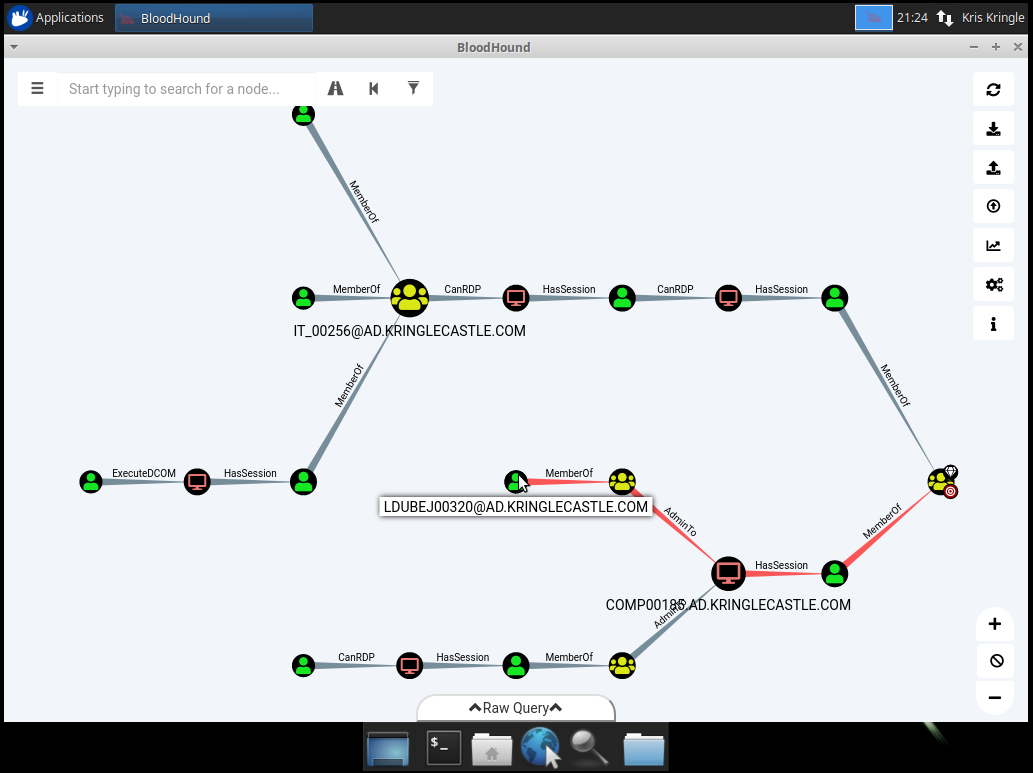
  • Bloodhound
    BloodHound graph showing Active Directory attack paths between users, computers, and groups in the AD.KRINGLECASTLE.COM domain
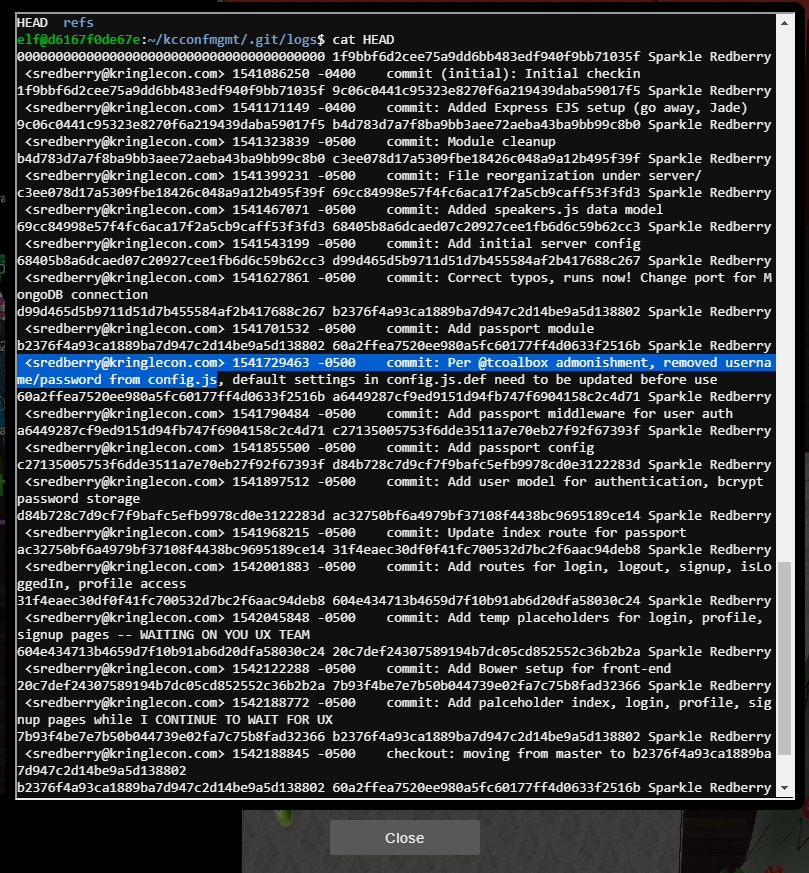
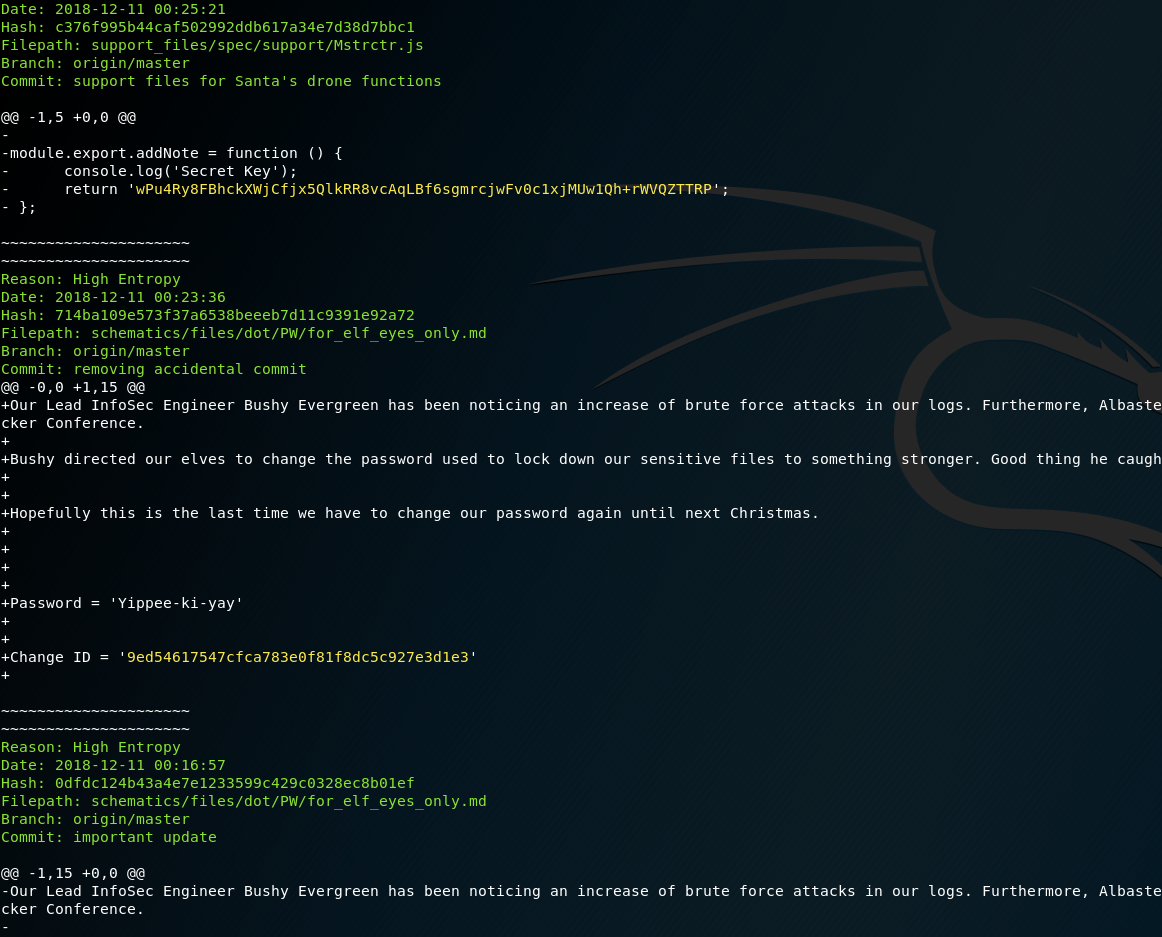
  • Dev Ops Fail
    Screenshot of a webpage showing exposed source code and commit history for the KringleCon Dev Ops Fail challenge
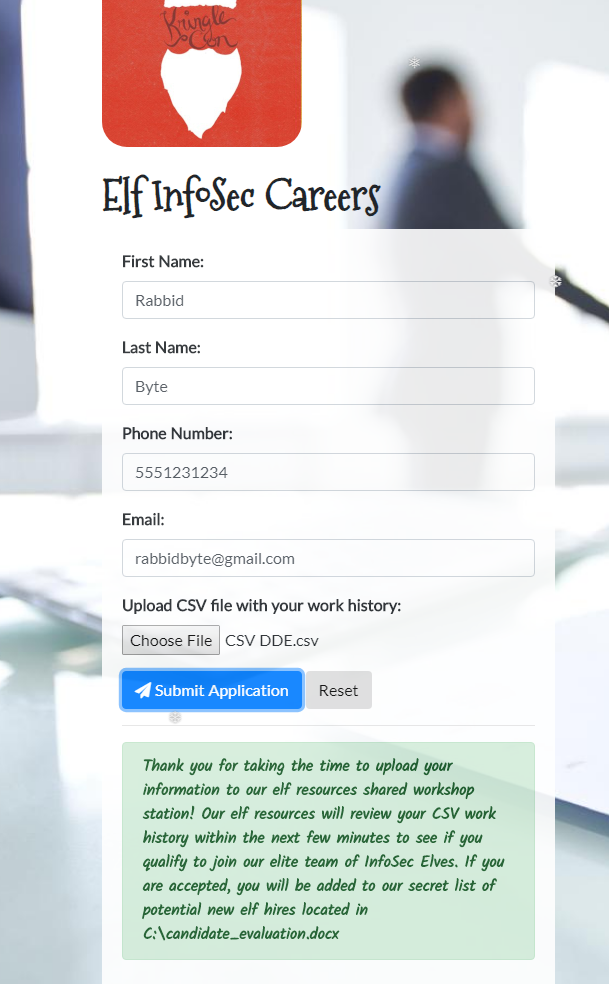
  • Elf InfoSec
    Elf InfoSec Careers job application form with a malicious CSV DDE.csv file uploaded to trigger a DDE injection and reveal the candidate_evaluation.docx file
  • Encrypted Zip
    Terminal showing a Python script used to brute-force the password on an encrypted candidate evaluation zip file
  • Google Vent
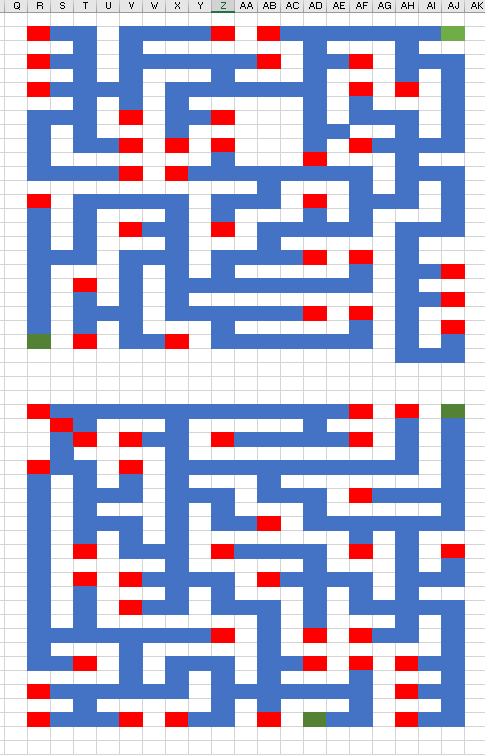
    Grid-based maze puzzle with red wall cells and green start and end points spanning two stacked grids labeled Q through AK
  • LethalForensicELFication
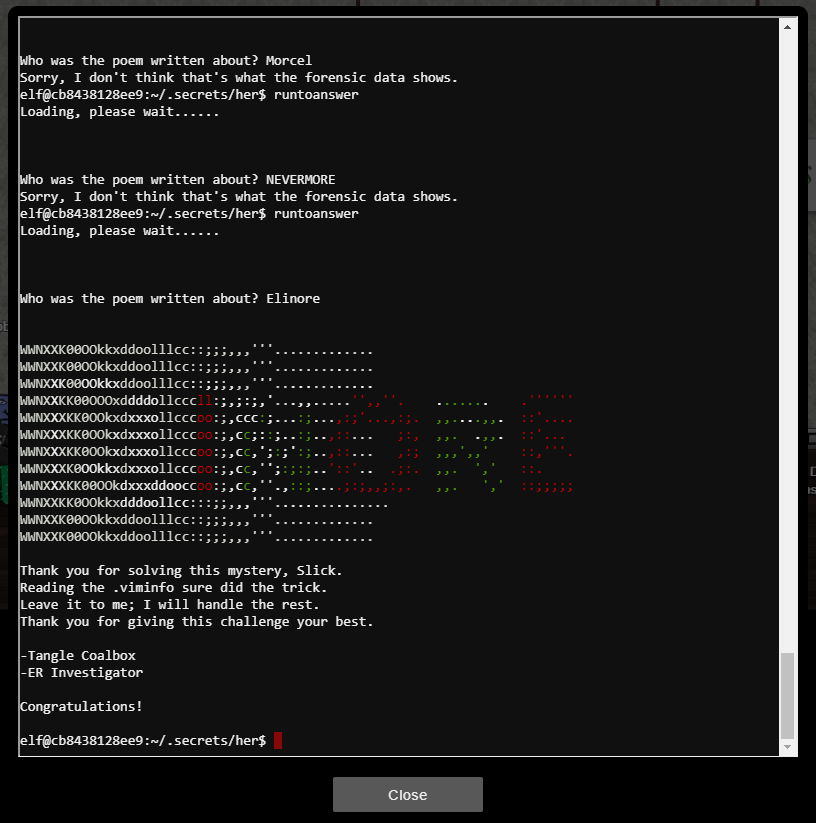
    Terminal showing the LethalForensicELFication challenge solved by answering 'Elinore' after reading the .viminfo file, ending with a Congratulations message
  • Packalyzer – I got nothing but I remember that this drove me crazy … I do have a very cryptic txt file … perhaps this is the lesson to take better notes?
  • Piano
    Piano challenge screen displaying a green and red bordered message reading 'You have unlocked Santa's vault!'
  • Python Jail
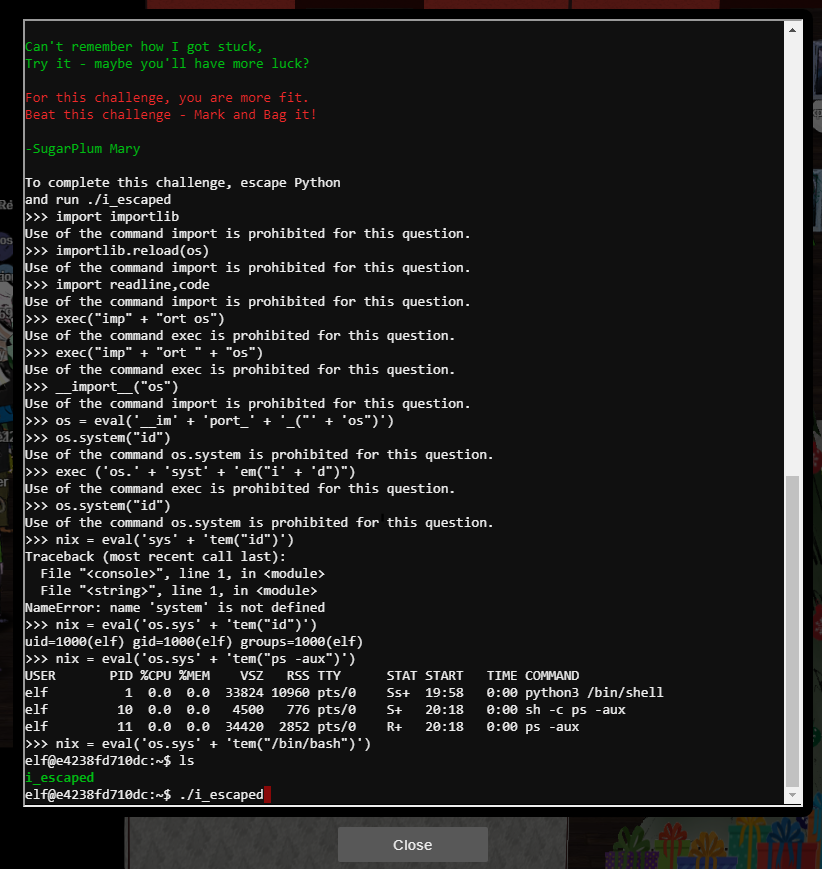
    Terminal showing commands used to break out of a restricted Python shell during the Python Jail challenge
  • Scan-o-matic
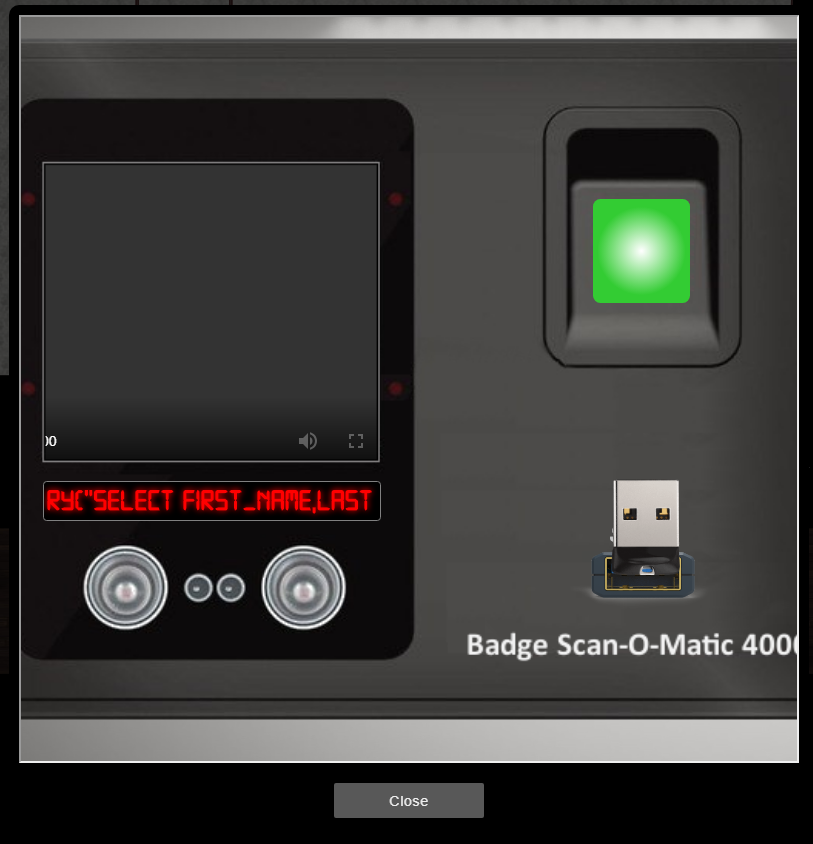
    Badge Scan-O-Matic 4000 kiosk displaying a SQL error message beginning with 'SELECT FIRST_NAME,LAST', revealing a SQL injection vulnerability
  • Sleighbell
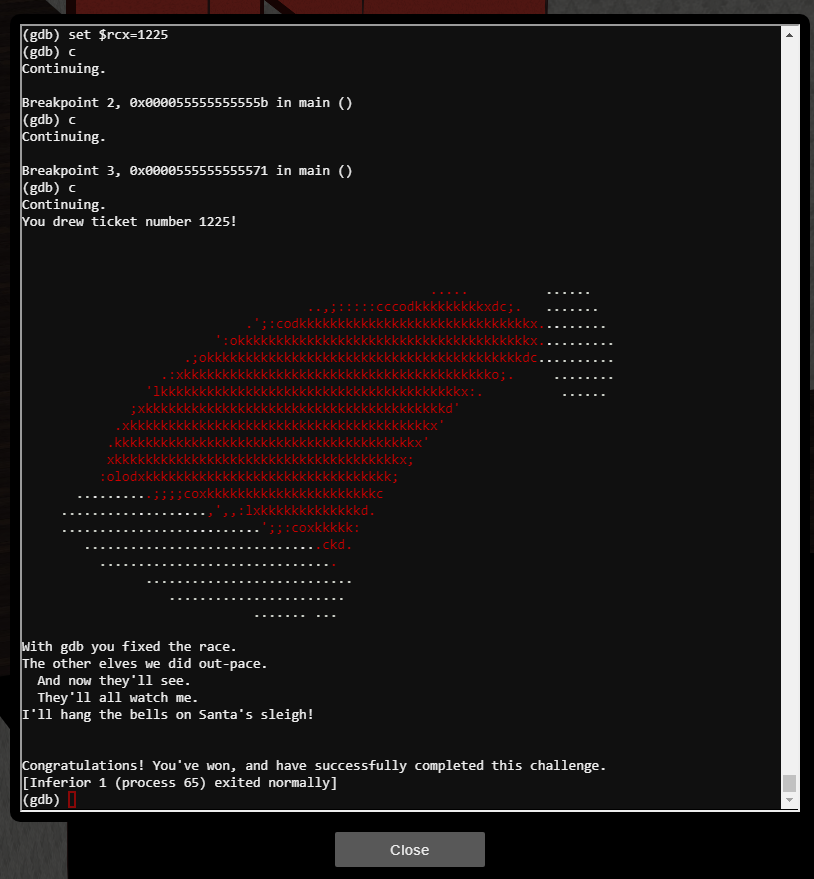
    GDB debugger session showing breakpoints hit and 'You drew ticket number 1225!' followed by a Congratulations message and ASCII art for the Sleighbell challenge
  • Snort
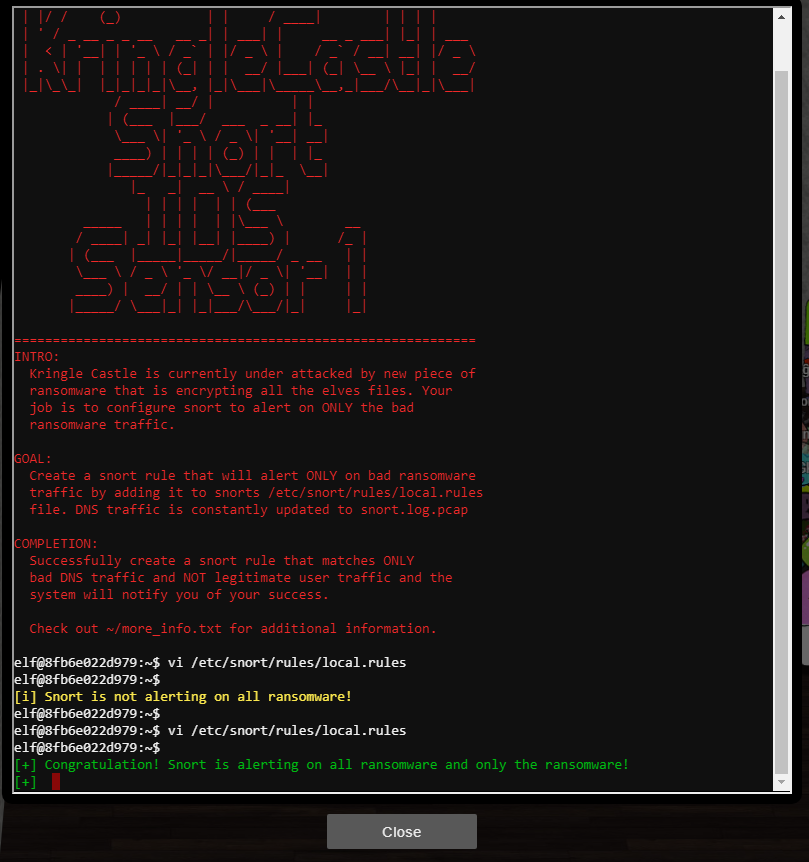
    Terminal showing the KringleCastle Snort IDS Sensor challenge solved, with a Snort rule added to local.rules and a Congratulations message confirming it alerts only on ransomware traffic
  • Stall Mucking
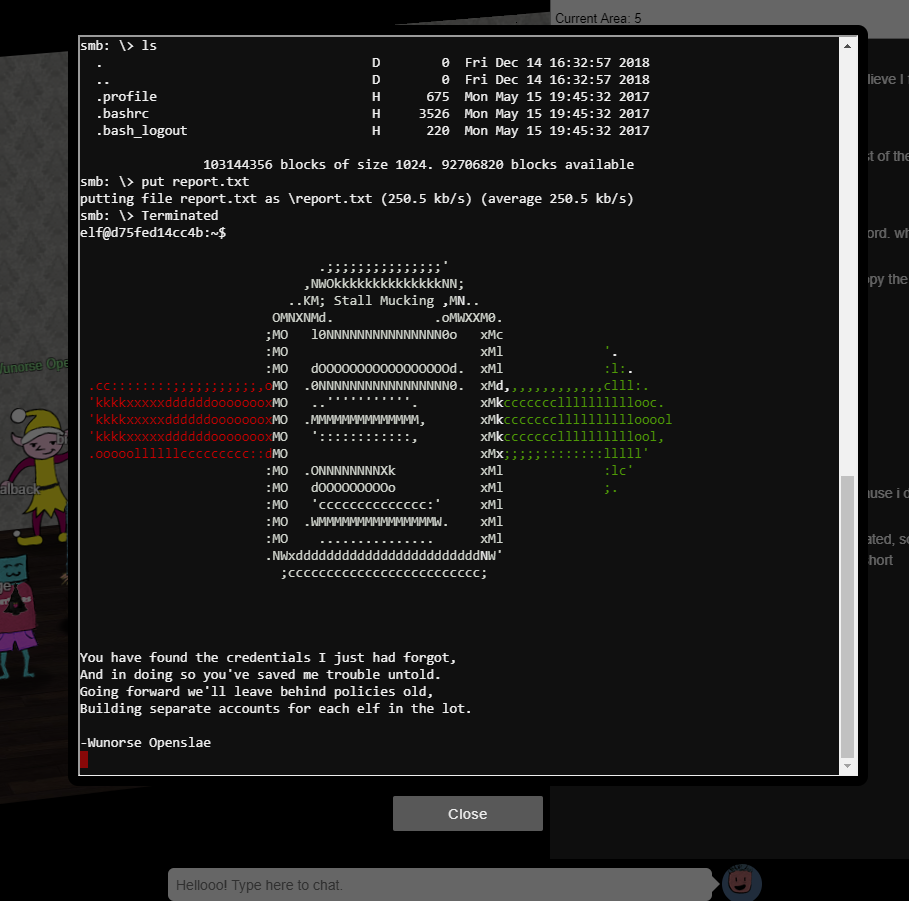
    Terminal SMB session uploading report.txt, followed by ASCII art and a 'Stall Mucking' poem signed by Wunorse Openslae about recovered credentials
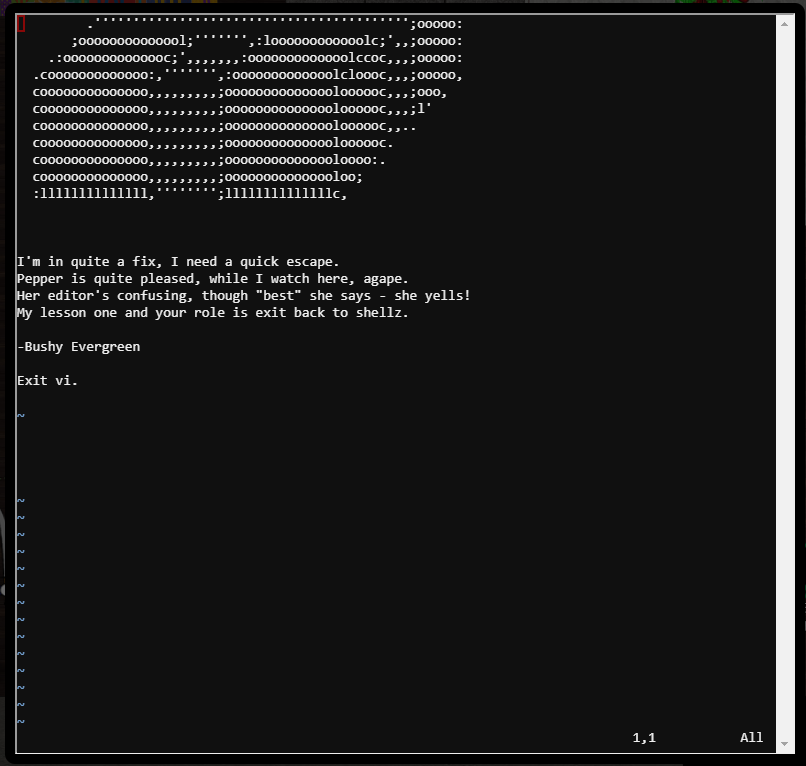
  • Vi – REALLY … WTF?!
    Terminal showing the vi editor challenge solved, displaying ASCII art and a poem signed by Bushy Evergreen ending with 'Exit vi.'
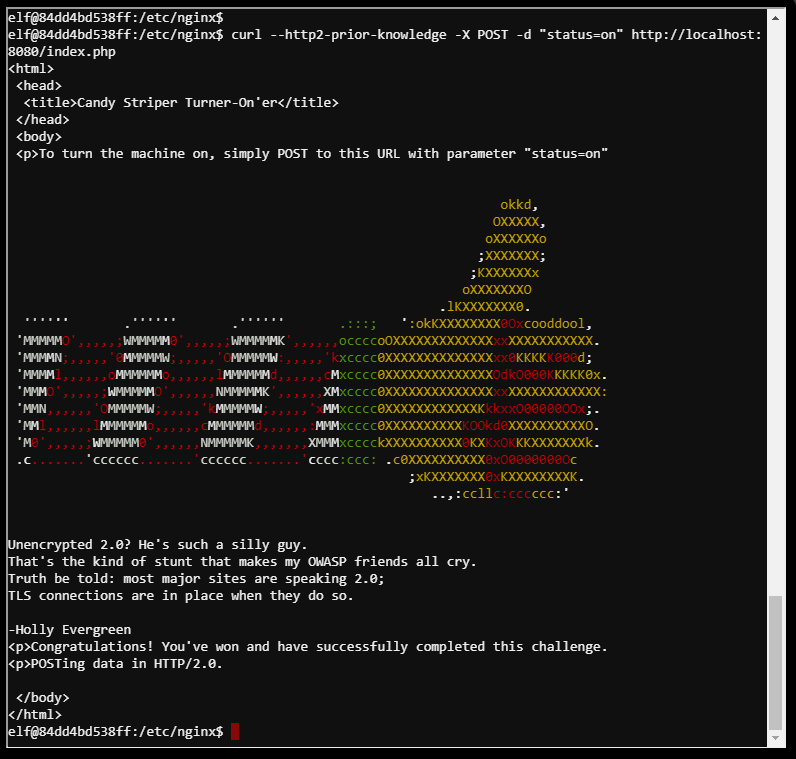
  • Webcall
    Terminal showing a curl HTTP/2 prior-knowledge POST request turning on the 'Candy Striper Turner-On'er' machine, with ASCII art and a Congratulations message signed by Holly Evergreen
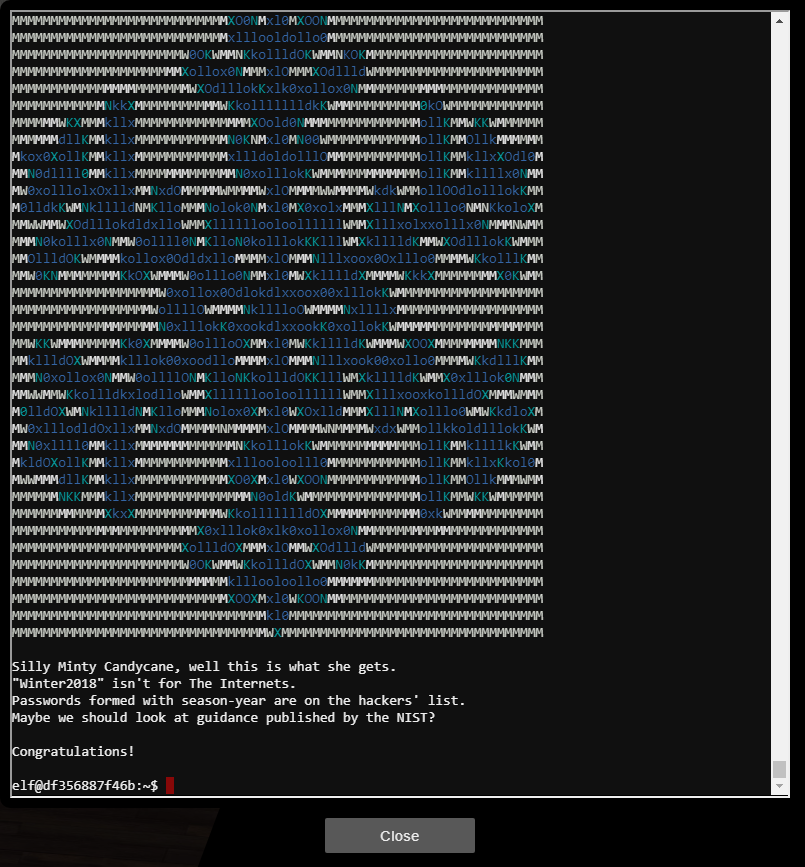
  • YuleLog
    Terminal showing ASCII art with a Congratulations message about the cracked password 'Winter2018' being a weak season-year password per NIST guidance

Results

Basically I finished … that’s it. Plus one really painfull writeup, sorry.
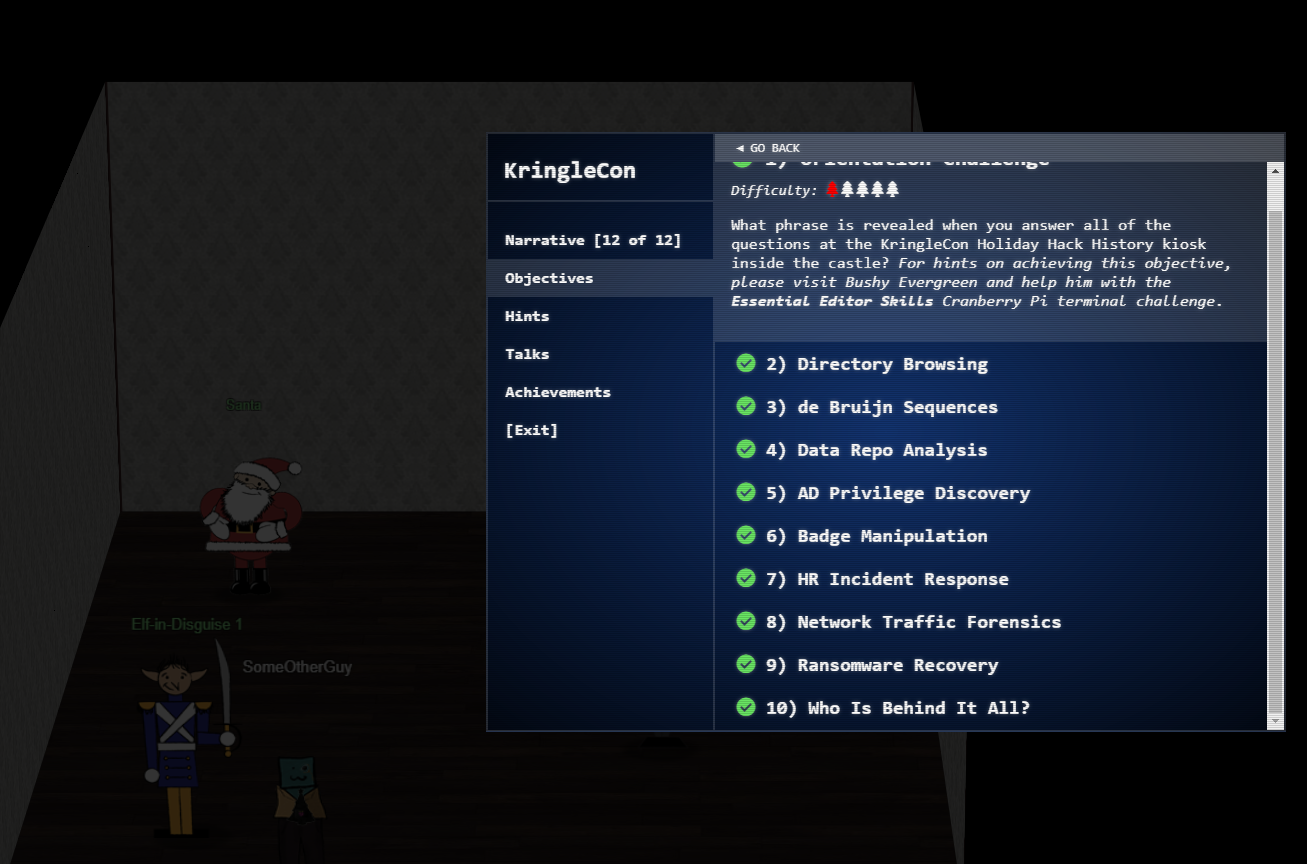
KringleCon narrative objectives list showing all 10 objectives completed, including Directory Browsing, AD Privilege Discovery, Badge Manipulation, and Ransomware Recovery